Ultimate Virtual Reality Headset Reviews & Buying Guide

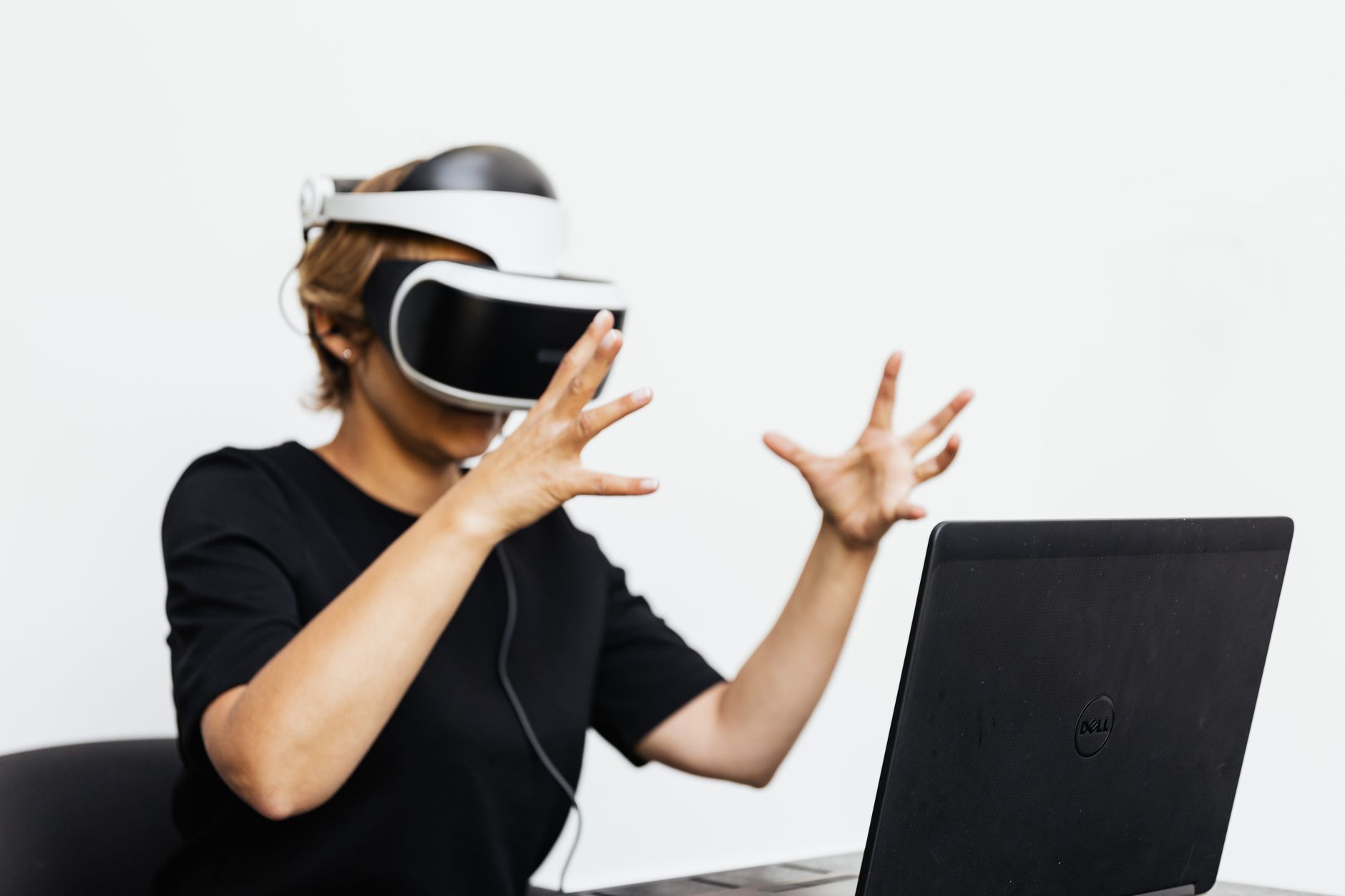
Adult using VR headset and laptop for a virtual reality experience indoors.Photo: www.kaboompics.com / Pexels

Ultimate Virtual Reality Headset Reviews & Buying Guide

Uncover the best VR headsets for gaming, entertainment, and productivity, transforming how you interact with digital worlds.

Explore VR Now

Key Takeaways

  • ✓ VR market rapidly evolving with new headsets offering improved fidelity and features.
  • ✓ Headsets vary widely in price, performance, and required external hardware.
  • ✓ Standalone VR offers convenience, while PC VR provides superior graphics.
  • ✓ Comfort, field of view, and resolution are crucial factors in user experience.

How It Works

1
Identify Your Primary Use Case

Are you primarily interested in gaming, fitness, social VR, or professional applications? Your intended use will heavily influence the type of headset best suited for you.

2
Understand Key Specifications

Familiarize yourself with terms like resolution, refresh rate, field of view (FOV), and tracking type. These technical details directly impact the quality and immersion of your VR experience.

3
Consider Your Budget & Ecosystem

VR headsets range from a few hundred to several thousand dollars. Factor in not just the headset cost, but also potential PC upgrades or accessories, and choose an ecosystem that aligns with your preferences (e.g., Meta, SteamVR).

4
Read Expert & User Reviews

Consult comprehensive virtual reality headset reviews from trusted sources and fellow users. Pay attention to comfort, ease of setup, software library, and overall value for a well-rounded perspective.

Navigating the Landscape of Virtual Reality Headsets
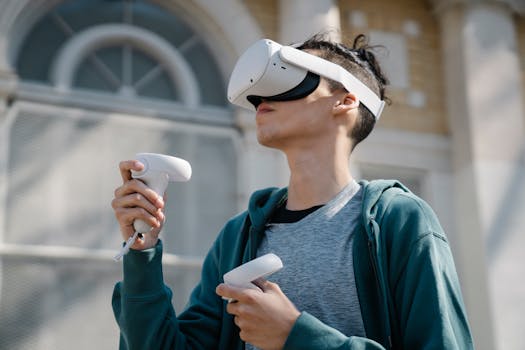
Low angle of young male in blue hoodie using modern wireless virtual reality headset and controllers near building on streetPhoto: Eren Li / Pexels
The world of virtual reality headsets has exploded in recent years, transforming from a niche technology into a rapidly evolving mainstream entertainment and productivity platform. For newcomers and seasoned enthusiasts alike, making sense of the myriad options can be daunting. From standalone units that offer unparalleled freedom to tethered systems that push the boundaries of graphical fidelity, each category of VR headset caters to different needs, budgets, and technical capabilities. This guide aims to demystify the landscape, providing an in-depth look at the leading contenders and what makes them stand out. Understanding the core differences between these devices is the first step toward making an informed decision. For instance, standalone headsets like the Meta Quest 3 offer a self-contained experience, meaning they don't require a powerful gaming PC to function. This plug-and-play convenience makes them incredibly appealing for those seeking immediate immersion without additional hardware investments. On the other hand, PC VR systems, such as the Valve Index or headsets compatible with SteamVR, leverage the processing power of a high-end computer to deliver stunning visuals, complex physics, and a broader array of graphically intensive games and applications. The trade-off is often a higher overall cost and the need for a dedicated gaming rig. Then there are hybrid solutions, like some Meta headsets, that can operate as standalone devices but also connect to a PC for enhanced performance, offering the best of both worlds. Beyond the fundamental operational differences, key specifications like resolution, refresh rate, field of view (FOV), and tracking technology play a pivotal role in the user experience. A higher resolution means sharper images and less 'screen-door effect,' while a faster refresh rate contributes to smoother motion and reduces motion sickness. A wider FOV immerses you more deeply, making the virtual world feel more expansive. Tracking technology, whether inside-out (cameras on the headset) or outside-in (external base stations), dictates the accuracy and range of your movements within the virtual space. We’ll delve into how these specifications translate into real-world performance across various virtual reality headset reviews. Ultimately, the 'best' VR headset isn't a universal truth; it's a personal choice driven by your specific interests, financial constraints, and existing tech setup. Whether you're a hardcore gamer seeking the most immersive experiences, a fitness enthusiast looking for engaging workouts, or a professional exploring new collaboration tools, there's a VR headset designed for you. This comprehensive review will help you weigh the pros and cons, ensuring your investment enhances your digital life. Understanding these nuances is crucial for anyone looking to step into the virtual world and experience its full potential. For a deeper dive into the foundational technologies, consider exploring the evolution of display technologies in consumer electronics, as VR heavily relies on these advancements.

In-Depth Virtual Reality Headset Reviews: Top Picks for 2024
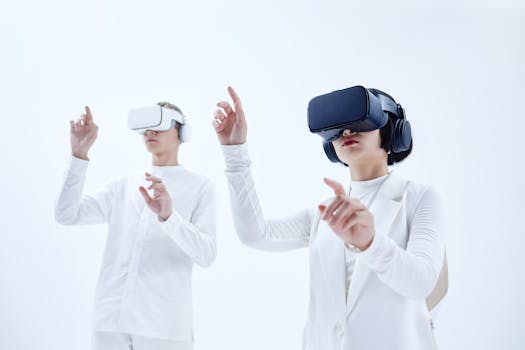
Two people exploring virtual reality with VR headsets against a stark white background.Photo: Michelangelo Buonarroti / Pexels
As the VR market matures, several standout devices have emerged as leaders, each with unique strengths. Our virtual reality headset reviews for 2024 highlight the devices that offer the best balance of performance, features, and value. The Meta Quest 3, for instance, has cemented its position as a top-tier standalone headset. Building upon the success of its predecessors, it offers significantly improved resolution, a more powerful processor (Snapdragon XR2 Gen 2), and a slimmer profile. Its passthrough camera capabilities have been greatly enhanced, allowing for a more seamless mixed reality experience where virtual objects can interact with your real-world environment. This makes it not just a gaming device but a versatile tool for productivity and creative applications. The Quest 3 boasts a vast library of games and experiences accessible directly from the headset, making it incredibly user-friendly for all skill levels. For those seeking the pinnacle of PC VR, the Valve Index continues to be a formidable contender, despite being several years old. Its high refresh rate (up to 144Hz), wide field of view, and innovative 'Knuckles' controllers that offer individual finger tracking provide an unparalleled level of immersion. While it requires external base stations and a powerful PC, the fidelity and precision it offers are unmatched for dedicated PC VR enthusiasts. The Index’s robust ecosystem, backed by SteamVR, ensures access to a massive library of PC VR titles. Another strong player in the standalone space is the Pico 4. Often seen as a direct competitor to Meta Quest, the Pico 4 offers a compelling alternative with its pancake lenses, which contribute to a lighter, more balanced design and a clearer, sharper image. Its higher resolution per eye and wider field of view often give it an edge in visual clarity for many users. While its content library might not be as extensive as Meta's, it supports SteamVR streaming, allowing users to tap into PC VR games wirelessly. The Pico 4 represents excellent value for those looking for a premium standalone experience without the Meta ecosystem. For those interested in high-fidelity PC VR without the base stations, the HP Reverb G2 offers a fantastic option. Its exceptionally high resolution per eye makes it a favorite for flight simulators and visually demanding applications, delivering crisp, detailed visuals. While its controller tracking isn't as robust as the Valve Index, its comfort and display quality make it a strong choice for seated or standing experiences where precise room-scale tracking is less critical. Lastly, we cannot overlook the PlayStation VR2 (PS VR2) for console gamers. Tied exclusively to the PlayStation 5, the PS VR2 delivers stunning visuals with its OLED display, haptic feedback in the headset, and Sense controllers that mimic the DualSense's advanced haptics. Its exclusive game library, featuring titles like Horizon Call of the Mountain, showcases what dedicated console VR can achieve. However, its closed ecosystem means it's only an option for PS5 owners. Each of these headsets excels in different areas, catering to distinct segments of the VR market, and our detailed virtual reality headset reviews aim to provide clarity on which one might be the perfect fit for you.

Crucial Factors to Consider When Choosing Your VR Headset

Selecting the right VR headset goes beyond simply picking the most popular model; it involves a careful consideration of several key factors that directly impact your overall experience. One of the most important aspects is the type of VR experience you're seeking. Do you want the freedom of a standalone device, allowing you to jump into VR anywhere, anytime, without being tethered to a PC? Or do you prioritize the absolute best graphical fidelity and expansive game libraries offered by PC VR systems, knowing that it requires a powerful computer and potentially more complex setup? Your answer to this fundamental question will narrow down your options significantly. Another critical factor is comfort and ergonomics. VR headsets are worn on your head, sometimes for extended periods, so a comfortable fit is paramount. Look for headsets with adjustable straps, good weight distribution, and soft facial interfaces. Some users might prefer a 'halo' strap design for better balance, while others might favor a traditional strap. Prescription lens inserts are also available for many models, enhancing clarity for those who wear glasses. Reading virtual reality headset reviews that specifically address long-term comfort can be incredibly insightful here. Display quality is another non-negotiable. This encompasses several metrics: resolution (pixels per eye), refresh rate (how many times per second the image updates), and field of view (FOV). Higher resolution reduces the 'screen-door effect' and makes images sharper, while a higher refresh rate leads to smoother motion and can mitigate motion sickness. A wider FOV makes the virtual world feel more expansive and less like looking through binoculars. However, higher specs often come with a higher price tag and demand more processing power, so it's about finding the right balance for your budget and needs. The content library and ecosystem are also vital. What games, applications, and social experiences are available for the headset you're considering? Are you locked into a specific platform, or can you access content from various sources (e.g., SteamVR, Meta Quest Store, Pico Store)? The availability of exclusive titles or specific apps you're interested in can be a deciding factor. Controller design and tracking accuracy are equally important. Good controllers feel natural in your hands, offer precise tracking, and provide haptic feedback that enhances immersion. Inside-out tracking (cameras on the headset) offers convenience, while outside-in tracking (external sensors) often provides superior accuracy, especially for fast-paced movements. Finally, consider your budget, not just for the headset itself, but for any necessary accessories (e.g., replacement facial interfaces, extended cables, prescription lenses) or potential upgrades to your existing PC. By carefully evaluating these factors through the lens of comprehensive virtual reality headset reviews, you can make an informed decision that will provide years of enjoyment. For further insights into maximizing your VR experience, explore optimizing your gaming setup for performance.

Optimizing Your VR Experience: Tips and Common Pitfalls to Avoid

Once you've chosen your VR headset, there are several steps you can take to enhance your experience and avoid common frustrations. **Tips for an Optimal VR Experience:** * **Set up Your Play Space Properly:** Clear a designated area free of obstacles. For room-scale VR, ensure you have enough space to move around safely. Define your guardian or boundary system accurately to prevent accidental collisions. * **Adjust for Comfort:** Spend time adjusting the headset straps and interpupillary distance (IPD) to ensure the sharpest image and most comfortable fit. Many headsets offer IPD adjustment dials; getting this right is crucial for clarity and reducing eye strain. * **Clean Your Lenses Regularly:** Use a microfiber cloth specifically designed for optics. Dust and smudges on the lenses can significantly degrade image quality and immersion. Avoid abrasive materials or harsh chemicals. * **Ensure Good Lighting for Tracking:** For headsets with inside-out tracking, consistent, moderate lighting is key. Too dark, and the cameras can't see; too bright (especially direct sunlight), and they can get overwhelmed. Avoid reflective surfaces in your play area. * **Manage Motion Sickness:** Start with experiences designed for comfort, gradually moving to more intense games. Use comfort options like snap turning or vignetting if available. Taking ginger or using anti-nausea bands can also help some users. * **Keep Software Updated:** Regularly update your headset's firmware and your PC's graphics drivers (for PC VR). Updates often bring performance improvements, new features, and bug fixes. **Common Pitfalls to Avoid:** * **Ignoring IPD Adjustment:** Incorrect IPD is a leading cause of blurriness, eye strain, and headaches. Don't skip this crucial setup step. * **Overlooking Cable Management (for PC VR):** A tangled cable can break immersion, cause trips, and damage equipment. Consider ceiling cable management systems or wireless adapters where applicable. * **Neglecting Battery Life:** For standalone headsets, keep an eye on battery levels. External battery packs can significantly extend playtime. * **Not Calibrating Controllers:** Ensure your controllers are properly calibrated and paired, and their batteries are charged. Poor tracking can ruin an experience. * **Buying Incompatible Accessories:** Always check compatibility before purchasing third-party head straps, facial interfaces, or charging docks. * **Expecting Immediate Mastery:** VR takes some getting used to. Don't get discouraged if initial experiences feel a bit awkward. With practice, navigating virtual worlds becomes second nature. By following these tips and avoiding common mistakes, you can significantly enhance your enjoyment and longevity with your new VR headset, making every virtual adventure as immersive and comfortable as possible.

Comparison

FeatureMeta Quest 3Valve IndexPico 4PS VR2
TypeStandalone/PC VRPC VRStandalone/PC VRConsole VR (PS5)
Resolution (per eye)2064x22081440x16002160x21602000x2040
Refresh Rate90Hz (120Hz experimental)80/90/120/144Hz72/90Hz90/120Hz
Field of View (approx.)110° horizontal130° horizontal105° horizontal110° horizontal
TrackingInside-outOutside-in (Base Stations)Inside-outInside-out
Price (approx.)$499$999$429$549
Key AdvantageWireless freedom, mixed realityHighest fidelity PC VR, finger trackingLightweight, pancake lenses, clear visualsPS5 exclusive games, OLED display

What Our Readers Say

5 ★★★★★

"After reading multiple virtual reality headset reviews, I settled on the Meta Quest 3, and it's blown me away! The mixed reality features are surprisingly good, and the wireless freedom for gaming is a game-changer. Setup was a breeze, and the visuals are incredibly sharp."

5 ★★★★★

"The Valve Index, though an older model, still holds up as the king of PC VR in my opinion. The high refresh rate and incredible controllers make every game feel hyper-immersive. My virtual reality headset reviews research paid off big time for this high-end experience."

5 ★★★★★

"I was hesitant about getting into VR, but comprehensive virtual reality headset reviews convinced me to try the Pico 4. The pancake lenses make such a difference in clarity and comfort. I can play for hours without discomfort, and streaming PC VR works flawlessly."

4 ★★★★☆

"The PS VR2 is fantastic for my PS5, especially with the exclusive titles. The OLED display is gorgeous, and the haptic feedback is next-level. My only minor gripe is the limited game library compared to PC VR, but what's there is polished."

5 ★★★★★

"As a fitness enthusiast, I was looking for a VR headset that could handle intense workouts. The virtual reality headset reviews on the Quest 3 highlighted its active community and robust fitness apps. It's been perfect for my daily VR cardio, keeping me engaged and motivated."

Frequently Asked Questions

Which virtual reality headset is best for beginners?
For beginners, the Meta Quest 3 is often recommended due to its standalone nature, ease of setup, and vast content library. It doesn't require a PC, making it a plug-and-play experience that gets you into VR quickly and without additional hardware investment. Its mixed reality capabilities also offer a gentle introduction.
Is VR going to make me sick?
Motion sickness (cybersickness) is a common concern for some VR users, but it's not universal. Many modern headsets have higher refresh rates and better tracking, which reduce the likelihood. Starting with comfortable experiences, taking breaks, and ensuring proper IPD adjustment can significantly mitigate symptoms. Most people adapt quickly.
How do I connect my VR headset to a PC?
The method depends on your headset. For standalone headsets like Meta Quest 3 or Pico 4, you can often connect wirelessly via Wi-Fi (Air Link, Virtual Desktop, Steam Link) or with a USB-C cable (Link Cable). PC VR headsets like Valve Index connect directly to your PC's display port and USB ports. Always follow the manufacturer's specific instructions.
Are expensive VR headsets worth the investment?
The value of an expensive VR headset depends on your specific needs and budget. Premium headsets typically offer higher resolution, wider FOV, better comfort, and more precise tracking, leading to a more immersive experience. If you're a dedicated enthusiast or use VR professionally, the investment can be well worth it. For casual users, more affordable standalone options provide excellent value.
How does standalone VR compare to PC VR?
Standalone VR offers unparalleled portability and ease of use, as it's an all-in-one device that doesn't require external hardware. However, PC VR leverages the power of a high-end gaming computer to deliver superior graphics, more complex simulations, and a broader range of graphically intensive games. Some headsets offer hybrid functionality, allowing both standalone and PC VR play.
Who should use virtual reality headset reviews?
Anyone considering purchasing a VR headset, from first-time buyers to seasoned enthusiasts looking to upgrade, should consult virtual reality headset reviews. They provide crucial insights into performance, comfort, content availability, and overall value, helping users make informed decisions tailored to their specific needs and budget.
Are there any health risks associated with using VR headsets?
Generally, VR headsets are safe for most users when used as directed. Potential risks include eye strain, motion sickness, and disorientation, especially during prolonged use. It's important to take regular breaks, ensure proper fit, and follow safety guidelines to prevent accidental injuries from bumping into real-world objects. Most manufacturers advise against use by young children.
What are the future trends in VR headset technology?
Future trends in VR headset technology include higher resolution displays, wider fields of view, lighter and more comfortable designs (often through pancake optics), advanced eye-tracking for foveated rendering, haptic feedback integration, and improved mixed reality capabilities. We're also seeing a push towards more powerful standalone chipsets and better wireless PC VR streaming solutions.

Ready to step into new realities? Our comprehensive virtual reality headset reviews are your ultimate guide to finding the perfect device. Explore the options, compare features, and embark on your next immersive adventure today.

Topics: virtual reality headset reviewsbest VR headsetsVR buying guidemeta quest 3 reviewPico 4 review
Leo List
Brampton weed
Adultwork