Smart Home Devices for Beginners: Your Easy Start Guide
smart home devices for beginners

Smart Home Devices for Beginners: Your Easy Start Guide

Transform your living space with simple, intuitive smart home technology, even if you're a complete novice.

Start Your Smart Home Journey

Key Takeaways

  • ✓ Smart home devices offer convenience, security, and energy savings.
  • ✓ Starting small with a few key devices is the best approach for beginners.
  • ✓ Voice assistants like Alexa and Google Assistant are central to many smart home setups.
  • ✓ Compatibility between devices is crucial for a seamless smart home experience.

How It Works

1
Define Your Needs

Before buying, consider what problems you want to solve or what conveniences you desire. Do you want better security, automated lighting, or just to control your music hands-free?

2
Choose a Hub or Ecosystem

Many smart devices work best within a specific ecosystem (e.g., Amazon Alexa, Google Home, Apple HomeKit). Selecting one early ensures better compatibility and easier management as you grow.

3
Start with Simple Devices

Begin with one or two easy-to-install and understand devices, like a smart speaker or a smart light bulb. This allows you to learn the basics without feeling overwhelmed.

4
Expand Gradually

Once comfortable, you can add more devices, linking them together to create automated routines. This phased approach helps you master each new addition and build a truly integrated smart home.

Understanding the Smart Home Ecosystem for Newbies
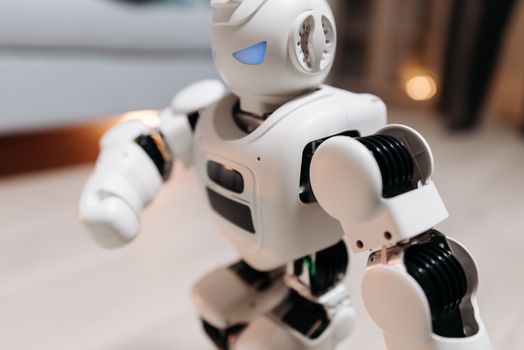
Close-up of a futuristic toy robot with blue eyes, showcasing modern technology indoors. Photo: Pavel Danilyuk / Pexels
Embarking on the journey of creating a smart home can seem daunting at first, especially with the myriad of devices, brands, and technologies available. However, for beginners, the core concept is surprisingly simple: connecting everyday household items to the internet, allowing them to be controlled remotely or automated. This connectivity is what transforms a 'dumb' device into a 'smart' one, offering unparalleled convenience, enhanced security, and even potential energy savings. At the heart of most smart homes lies a central control system, often referred to as a hub or a voice assistant. Think of this as the brain that allows all your individual smart devices to communicate with each other and with you. Popular options include Amazon Alexa, Google Assistant, and Apple HomeKit. Choosing one of these ecosystems early on is a crucial first step, as it dictates the compatibility of future devices you might purchase. While many devices are cross-compatible, sticking to a primary ecosystem simplifies setup and management, ensuring a smoother user experience. Beyond the central hub, smart home devices generally fall into several categories: lighting, security, climate control, entertainment, and utilities. Smart lighting, for instance, allows you to control brightness, color, and scheduling of your lights from your smartphone or voice commands. Security devices encompass everything from smart doorbells with cameras to motion sensors and smart locks, providing peace of mind whether you're home or away. Climate control devices, like smart thermostats, learn your preferences and optimize heating and cooling, often leading to significant energy bill reductions. Entertainment devices integrate with your existing audio-visual setup, offering voice control for TVs and music. For beginners, the key is not to try and automate everything at once. Instead, identify one or two areas in your home where smart technology could genuinely improve your daily life. Perhaps you always forget to turn off the lights, or you're concerned about package deliveries when you're not home. Starting with a specific need makes the selection process less overwhelming and provides immediate, tangible benefits. This focused approach builds confidence and allows you to gradually understand how different devices interact, paving the way for a more sophisticated smart home setup down the line. Remember, the goal is to enhance your living experience, not complicate it. Exploring smart home technology should be an exciting and empowering experience, not a frustrating one.

Essential Smart Home Devices to Kickstart Your Setup

Person making a contactless payment using a smartwatch at a cashless checkout counter. Photo: www.kaboompics.com / Pexels
When you're just starting out with smart home technology, the sheer volume of options can be dizzying. To simplify things, let's focus on a few essential smart home devices that offer high impact, ease of use, and are perfect for beginners. These devices provide a solid foundation and can be easily integrated into most smart home ecosystems. First on the list is a smart speaker or smart display. Devices like the Amazon Echo Dot, Google Nest Mini, or even a basic Google Nest Hub serve as your primary interface. They allow you to control other smart devices with your voice, play music, set alarms, get weather updates, and much more. They are often the gateway to the entire smart home experience and are relatively inexpensive, making them an excellent starting point. The setup is typically straightforward: plug it in, connect to Wi-Fi via an app, and you're ready to go. Next, consider smart light bulbs or smart plugs. Smart light bulbs, such as those from Philips Hue or Sengled, screw into existing fixtures and can be controlled via an app or voice. You can adjust brightness, change colors, and set schedules, adding ambiance and convenience. Smart plugs, on the other hand, turn any ordinary appliance into a 'smart' one. Plug in a lamp, a coffee maker, or a fan, and you can then control it remotely or schedule it to turn on/off. They are incredibly versatile and a cost-effective way to dip your toes into smart home automation without replacing existing appliances. For those concerned about home security, a smart doorbell is an excellent beginner-friendly device. Brands like Ring and Arlo offer doorbells with integrated cameras, allowing you to see and speak to visitors from your smartphone, even when you're not home. They often include motion detection and cloud storage for video recordings, providing an immediate boost to your home's security posture. Installation usually involves replacing your existing doorbell, a task that many DIY enthusiasts can handle with basic tools. Finally, a smart thermostat, such as the Google Nest Thermostat or Ecobee Lite, can significantly enhance comfort and save energy. These devices learn your preferences, can be controlled remotely, and often integrate with your voice assistant. While slightly more involved to install than a smart bulb, many come with clear instructions and even offer professional installation services. Starting with these foundational devices allows you to experience the benefits of a smart home firsthand, understand their functionality, and build confidence before expanding to more complex systems. They represent the core of what makes a smart home truly convenient and efficient, providing immediate value for any beginner.

Seamless Integration: Building Your Smart Home Foundation

Adult man in plaid shirt using smartphone on couch with a robot in the background. Photo: Pavel Danilyuk / Pexels
One of the most critical aspects of a successful smart home for beginners is ensuring seamless integration between devices. A smart home isn't just a collection of individual smart gadgets; it's a system where these devices communicate and work together harmoniously. This interconnectedness is what truly unlocks the potential of automation and convenience. The foundation of this integration often lies in your chosen smart home ecosystem, as discussed earlier. Whether you opt for Amazon Alexa, Google Home, or Apple HomeKit, these platforms act as the central nervous system, allowing different brands of devices to 'talk' to each other. When purchasing new devices, always check for compatibility with your chosen ecosystem. Look for labels like 'Works with Alexa,' 'Works with Google Assistant,' or 'HomeKit enabled.' This ensures that you can control all your devices from a single app or through your preferred voice assistant, avoiding the need to juggle multiple apps for different devices. For instance, if you have an Alexa-enabled smart speaker, you'll want your smart lights and smart plugs to also be compatible with Alexa. This allows you to say, "Alexa, turn on the living room lights" or "Alexa, turn off the coffee maker," regardless of the brand. Beyond basic compatibility, consider devices that support open standards like Zigbee or Z-Wave. These are wireless protocols specifically designed for smart home devices, offering reliable communication and often better interoperability across different manufacturers. While a dedicated hub might be required for these protocols, some smart speakers now have built-in Zigbee hubs, simplifying your setup. Once your devices are connected, the real magic of integration comes through automation routines or scenes. These allow you to program multiple actions to occur with a single command or based on specific triggers. For example, you could create a 'Good Morning' routine that turns on your bedroom lights, starts your coffee maker (via a smart plug), and plays your favorite news podcast on your smart speaker, all with one voice command or at a set time. Similarly, a 'Leaving Home' routine could lock your smart doors, turn off all lights, and adjust your smart thermostat. Many smart home apps also offer geofencing capabilities, where your home reacts to your physical location. Your lights could turn on as you approach your driveway, or your thermostat could adjust to a comfortable temperature before you even walk through the door. This level of automation significantly enhances convenience and makes your home feel truly intelligent. Building a smart home foundation around seamless integration ensures that your devices work smarter, not harder, providing a cohesive and intuitive experience for beginners. It transforms individual gadgets into a powerful, unified system that caters to your lifestyle. Discovering advanced smart home features becomes much easier once you master the basics of integration.

Common Pitfalls and Pro Tips for Smart Home Beginners
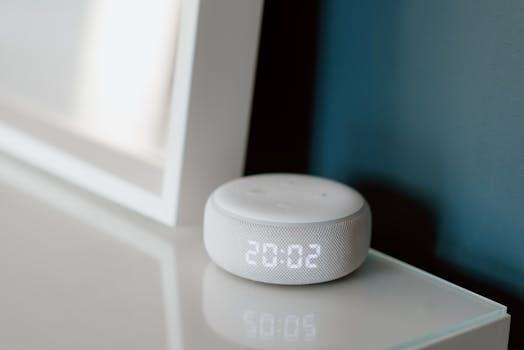
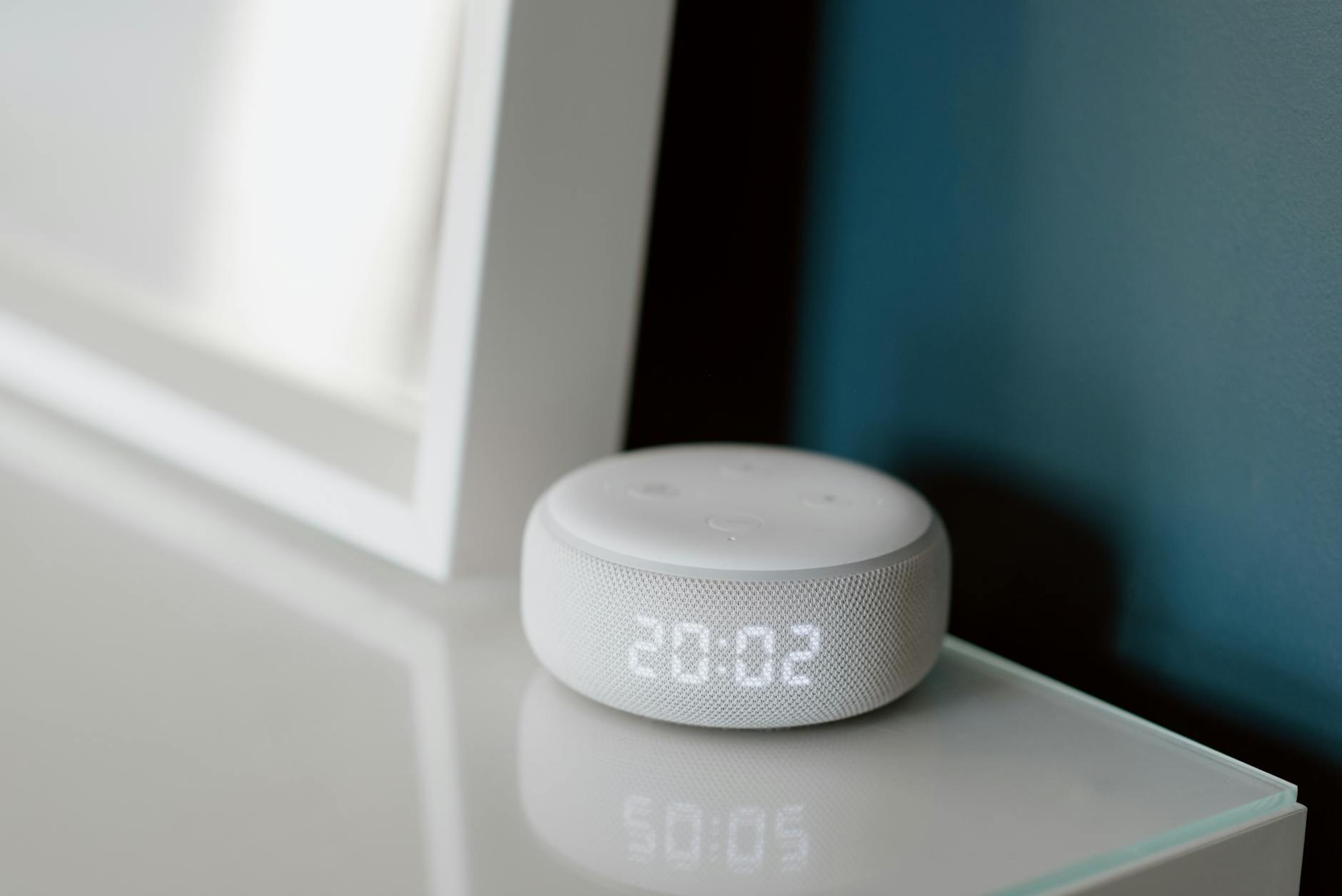
Close-up of a smart speaker with an illuminated 20:02 LED clock display on a desk. Photo: Anete Lusina / Pexels
Venturing into smart home technology can be exciting, but like any new endeavor, there are common pitfalls that beginners often encounter. Being aware of these can save you time, frustration, and money. **Common Pitfalls:** * **Overbuying Too Soon:** The biggest mistake beginners make is buying too many devices at once without understanding their needs or how they integrate. This can lead to a cluttered, confusing, and ultimately unused smart home. Start small and expand gradually. * **Ignoring Compatibility:** Not checking if new devices work with your existing smart home ecosystem (Alexa, Google Home, HomeKit) is a recipe for frustration. You'll end up with multiple apps and fragmented control. * **Weak Wi-Fi Network:** Smart devices rely heavily on a stable and robust Wi-Fi connection. A weak or outdated router can lead to devices frequently disconnecting or slow response times, diminishing the 'smart' experience. * **Neglecting Security:** Smart devices are connected to the internet, making them potential entry points for cyber threats. Many beginners overlook changing default passwords or enabling two-factor authentication. * **Underestimating Setup Time:** While many devices are 'easy' to set up, integrating them into routines and troubleshooting can take time. Patience is key. **Pro Tips for Success:** * **Prioritize Needs:** Identify your pain points first. Do you want better security, convenience, or energy savings? Let your needs guide your purchases. * **Choose an Ecosystem and Stick to It (Initially):** While cross-compatibility exists, starting with one main platform simplifies management and reduces complexity. * **Invest in a Good Router:** A reliable and powerful Wi-Fi router is the backbone of any successful smart home. Consider upgrading if yours is old or struggles with coverage. * **Secure Your Network:** Use strong, unique passwords for all smart devices and your Wi-Fi. Enable two-factor authentication wherever possible. Regularly check for firmware updates. * **Read Reviews and Do Your Research:** Not all smart devices are created equal. Look for products with good reviews, reliable performance, and strong customer support. * **Test and Iterate:** Don't be afraid to experiment with routines and settings. What works for one person might not work for another. Adjust and refine your automations over time. * **Consider Privacy Settings:** Understand what data your smart devices collect and how it's used. Adjust privacy settings to your comfort level. * **Start with Voice Control:** Voice assistants are incredibly intuitive for beginners. Get comfortable with voice commands before diving into complex app-based automations. By avoiding these common pitfalls and implementing these pro tips, beginners can navigate the smart home landscape with confidence, building a system that truly enhances their daily lives without unnecessary headaches.

Comparison

FeatureSmart SpeakerSmart Light BulbSmart PlugSmart Thermostat
Ease of SetupVery EasyEasyVery EasyModerate
Voice Control
Remote Control via App
Energy Savings PotentialLowLowHigh
Cost (Entry Level)$25-$50$10-$25$10-$20$100-$250
Primary BenefitVoice AssistantAmbiance/ConvenienceAutomationComfort/Savings

What Readers Say

"As a complete tech novice, I was hesitant about smart home devices. This guide made it so easy to understand where to start. My smart speaker and lights are a game-changer!"

Sarah J. · Austin, TX

"I followed the advice to start small with smart plugs, and now my lamps turn on automatically when I get home. It's surprisingly convenient and wasn't nearly as complicated as I thought."

Mark T. · Denver, CO

"The section on ecosystems was incredibly helpful. I picked Google Home, and now all my new devices integrate perfectly. My morning routine is fully automated, saving me so much time."

Emily R. · Miami, FL

"Great overview for beginners. While I found the thermostat installation a bit tricky, the overall advice on starting with a plan and avoiding overbuying was spot on. My Wi-Fi needed an upgrade, too!"

David L. · Seattle, WA

"I used to think smart homes were only for tech gurus. This article broke it down into simple steps, and now I'm enjoying the peace of mind from my smart doorbell. Highly recommend for anyone just starting out."

Jessica M. · Chicago, IL

Frequently Asked Questions

What are the absolute best smart home devices for beginners to start with?

For beginners, the best smart home devices to start with are typically a smart speaker (like an Amazon Echo Dot or Google Nest Mini), smart light bulbs, and smart plugs. These devices are generally inexpensive, easy to set up, and provide immediate, tangible benefits, allowing you to get comfortable with the technology before expanding.

Are smart home devices difficult to set up for someone who isn't tech-savvy?

No, most modern smart home devices are designed with user-friendliness in mind, even for those who aren't tech-savvy. Many come with intuitive apps that guide you through the setup process step-by-step. Starting with simple devices and focusing on one ecosystem can make the experience even smoother.

How do I connect smart home devices to each other?

Smart home devices typically connect to each other through a central hub or a smart home ecosystem (like Amazon Alexa, Google Home, or Apple HomeKit). You usually set up each device individually through its dedicated app, and then link that app or device to your central ecosystem, allowing them to communicate and be controlled together.

How much does it cost to start a smart home for beginners?

You can start a smart home for beginners with a relatively low investment. A basic setup including a smart speaker, a couple of smart light bulbs, and a smart plug can cost anywhere from $50 to $150. The cost can increase as you add more devices, but you have full control over your budget by expanding gradually.

What's the difference between a smart speaker and a smart hub?

A smart speaker (like an Echo or Nest Mini) primarily provides voice control and acts as an interface for your smart home, often with some basic hub capabilities. A dedicated smart hub (like SmartThings or Hubitat) is designed specifically to connect and control a wider range of devices, especially those using protocols like Zigbee or Z-Wave, offering more robust automation and local control capabilities.

Who should use smart home devices for beginners?

Smart home devices for beginners are ideal for anyone looking to add convenience, security, or energy efficiency to their home without a steep learning curve. This includes busy professionals, families, seniors, or simply anyone curious about technology but unsure where to start. They offer practical benefits that enhance daily living.

Are smart home devices secure, and what are the risks for beginners?

While generally secure, smart home devices do carry some risks if not properly managed. The main risks for beginners include not changing default passwords, not using strong Wi-Fi security, and neglecting firmware updates. Always use strong, unique passwords, enable two-factor authentication, and keep your device software up to date to mitigate these risks.

What are the future trends for smart home devices that beginners should know?

Future trends for smart home devices include greater interoperability through standards like Matter, enhanced AI for more predictive and personalized automation, and increased focus on privacy and local processing. Beginners can expect even easier setup and more seamless integration as the technology evolves, making smart homes more accessible and intuitive.

Ready to transform your home into a smarter, more convenient space? Start your journey with smart home devices for beginners today. Explore easy-to-use gadgets and unlock a world of automation and peace of mind.

Topics: smart home devices for beginnerseasy smart home setupbeginner smart home gadgetssmart home starter kitsmart home essentials
Leo List
Brampton weed
Adultwork