Unleash Creativity: Affordable 4K Monitors for Graphic Design
Elevate your design work with crystal-clear visuals and accurate colors, all within your budget.
Find Your Perfect MonitorKey Takeaways
- ✓ 4K resolution offers four times the pixels of Full HD, providing unparalleled detail.
- ✓ Modern affordable 4K monitors now offer excellent color accuracy suitable for professional design.
- ✓ Key features to prioritize include IPS panels, sRGB/DCI-P3 coverage, and connectivity options.
- ✓ Screen size matters; 27-32 inches is often ideal for balancing detail and viewing comfort.
How It Works
Assess your specific graphic design tasks. Are you primarily doing print, web, or video? This dictates necessary color space coverage and resolution.
Focus on IPS panel technology for wide viewing angles and accurate colors. Look for high sRGB coverage (99%+) and decent DCI-P3 coverage if working with video or HDR.
Define your maximum spending limit. While 'affordable' is subjective, many excellent options exist between $300-$600 that meet professional graphic design needs.
Research and compare monitors from reputable brands based on reviews, specifications, and real-world performance. Pay attention to calibration options and warranty.
Why 4K Resolution is a Game Changer for Visual Creatives
 Photo: Tranmautritam / Pexels
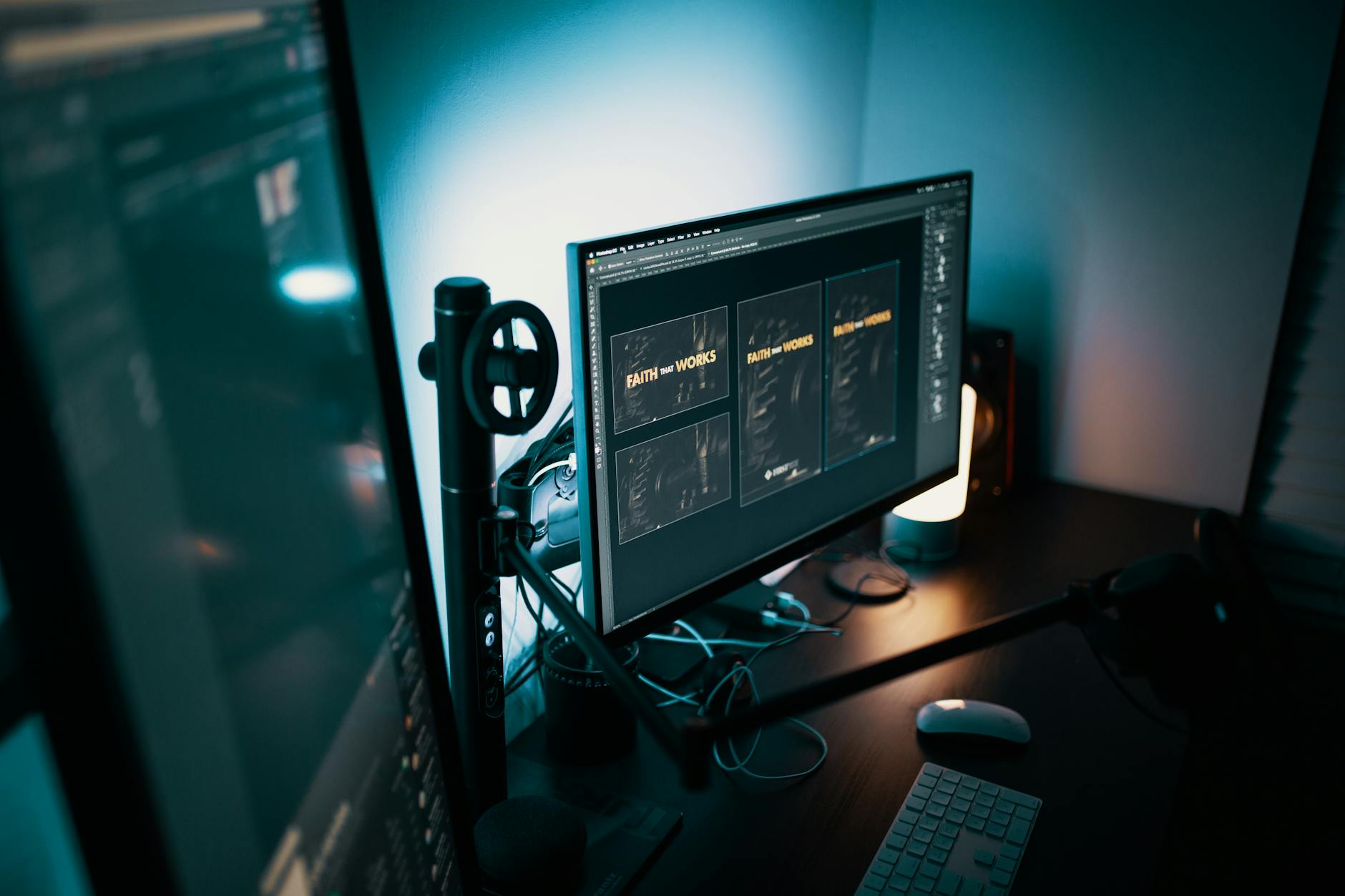
Beyond the sheer sharpness, 4K resolution provides an expansive digital canvas. You can have multiple design applications open side-by-side, view high-resolution images at 100% zoom with room to spare for toolbars, or manage complex layouts without constant zooming and panning. This enhanced workflow efficiency is invaluable, saving precious time and reducing frustration. For instance, when editing large format prints or designing detailed web interfaces, the ability to see more of your project at once, in true detail, means fewer errors and a more intuitive creative process.
Historically, 4K monitors were a luxury, priced out of reach for many freelancers and small studios. However, advancements in display technology and increased market competition have driven prices down dramatically. Today, finding truly capable and affordable 4K monitors for graphic design is not just possible, it's expected. These monitors are no longer just for early adopters; they are becoming the standard for anyone serious about visual fidelity and productivity. When considering an upgrade, think about the long-term benefits: improved accuracy, reduced fatigue, and a more immersive design experience. The investment in a quality 4K display pays dividends in both the quality of your output and your overall creative well-being. For further insights into display technologies, explore our guide on understanding monitor panel types.
Essential Features: What to Look for in an Affordable 4K Display
 Photo: Minh Phuc / Pexels
Next, consider color gamut coverage. For graphic design, you'll want a monitor that covers at least 99% of the sRGB color space. This is the standard color space for web content and most digital media. If your work involves print, video editing, or photography, look for higher coverage of Adobe RGB (for print) and DCI-P3 (for HDR video and wide-gamut content). While perfect Adobe RGB or DCI-P3 coverage might push the budget, many affordable 4K monitors now offer excellent sRGB and decent DCI-P3 coverage, often around 90-95%, which is a fantastic starting point.
Brightness and contrast ratio are also important. A good brightness level (around 300-350 nits) ensures your display is visible in various lighting conditions, and a decent contrast ratio (e.g., 1000:1) helps differentiate between subtle shades. Look for monitors that offer factory calibration reports, as this indicates a commitment to color accuracy from the manufacturer. Even if factory calibrated, investing in a colorimeter for periodic self-calibration is highly recommended for professional work. Finally, connectivity options are key. Ensure the monitor has the necessary ports (HDMI 2.0, DisplayPort 1.2/1.4, USB-C with power delivery) to connect to your workstation and peripherals. USB-C can simplify your setup by handling video, data, and power over a single cable, a significant convenience for modern laptops.
Top Contenders: Best Value Affordable 4K Monitors for Design
 Photo: Bhavishya :) / Pexels
LG also has strong offerings in this segment, with models like the LG 27UK500-B or LG 32UN500-W. These monitors typically boast IPS panels with vibrant colors and wide viewing angles, often featuring HDR support (though usually HDR400, which is an entry-level HDR experience but still a nice bonus). LG monitors are known for their consistent performance and sleek designs. For those looking for even more budget-friendly options, brands like BenQ often provide excellent value. The BenQ PD2700U, while sometimes slightly above the 'ultra-affordable' mark, is specifically designed for designers, offering features like CAD/CAM mode, Animation mode, and darkroom mode, along with factory calibration and extensive color gamut coverage.
Samsung's ViewFinity S8 series (like the S80PB) also present a compelling case, often featuring matte displays to reduce glare, excellent color accuracy, and USB-C connectivity. When evaluating these contenders, always check recent reviews from reputable tech publications and, if possible, see if you can find user reviews from other graphic designers. Pay attention to feedback regarding backlight bleed, uniformity, and actual color performance out of the box. Remember that 'affordable' doesn't mean 'compromise on everything.' It means making smart choices about where to invest your money to get the best possible tool for your creative work. For more on optimizing your setup, check out our guide on essential graphic design hardware.
Maximizing Your Investment: Tips for Using Your New 4K Monitor
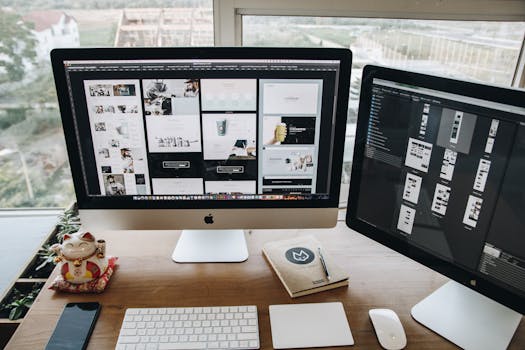 Photo: Tranmautritam / Pexels
- Calibrate Regularly: Even if your monitor comes factory-calibrated, color drift can occur over time. Invest in a dedicated colorimeter (like X-Rite i1Display Studio or Datacolor SpyderX Pro) and calibrate your monitor monthly, or at least quarterly. This ensures your colors are always accurate and consistent across projects and devices.
- Adjust Scaling: On Windows, the default scaling for 4K monitors (especially 27-inch) can make text and icons tiny. Experiment with display scaling settings (usually 150% or 200%) to find a comfortable balance between screen real estate and readability. macOS handles scaling more elegantly, but you can still fine-tune it.
- Optimize Your Workspace: Position your monitor at arm's length, with the top of the screen at or slightly below eye level. Ensure proper lighting to avoid glare and reflections. An ergonomic setup reduces strain and improves productivity.
- Utilize Monitor Features: Many monitors come with built-in features like Picture-in-Picture (PiP), Picture-by-Picture (PbP), or specific design modes (e.g., CAD/CAM, sRGB mode). Learn how to use these to your advantage. For instance, using a dedicated sRGB mode can ensure you’re always working in the correct color space for web projects.
- Keep Drivers Updated: Ensure your graphics card drivers are always up to date. Outdated drivers can cause display issues, performance bottlenecks, or prevent you from accessing your monitor's full capabilities (like higher refresh rates or specific color depths).
- Clean Your Screen Properly: Use a microfiber cloth and a screen-safe cleaning solution. Avoid harsh chemicals that can damage the display coating. A clean screen means no distractions and accurate visual perception.
- Consider Dual Monitor Setup: If your budget allows and your workflow benefits, a second monitor (even a more basic one) can be invaluable for palettes, references, or communication tools, freeing up your primary 4K screen for core design work.
Comparison
| Feature | Dell UltraSharp U2723QE | LG 27UK500-B | Samsung ViewFinity S8 S27B800P |
|---|---|---|---|
| Screen Size | 27 inches | 27 inches | 27 inches |
| Panel Type | IPS Black | IPS | IPS |
| Resolution | 3840 x 2160 (4K) | 3840 x 2160 (4K) | 3840 x 2160 (4K) |
| sRGB Coverage | 100% | 98% (typ) | 99% |
| DCI-P3 Coverage | 98% | 80% (typ) | 90% |
| Connectivity | DP, HDMI, USB-C (90W), USB-A | HDMI, DP | HDMI, DP, USB-C (90W), USB-A |
| HDR Support | HDR400 | HDR10 | HDR400 |
| Ergonomics | Full Adjust (Height, Tilt, Swivel, Pivot) | Tilt Only | Full Adjust (Height, Tilt, Swivel, Pivot) |
What Readers Say
"I was skeptical about finding a good 4K monitor for under $500, but this guide led me to a fantastic option. My designs now look incredibly sharp, and the color accuracy is surprisingly good for the price. Huge upgrade!"
Sarah J. · Austin, TX"As a freelance web designer, my budget is tight. This article helped me pick an affordable 4K monitor that transformed my workflow. The extra screen real estate and clarity are game-changers for coding and UI design."
Mark T. · Seattle, WA"My old monitor was holding me back. After reading this, I invested in one of the recommended affordable 4K displays. My client proofs are now much more accurate, leading to fewer revisions and happier clients. The difference is night and day!"
Olivia R. · New York, NY"The monitor I bought based on this guide is excellent for the price. While it's not a high-end professional display, the 4K resolution and IPS panel are a massive step up. I did need to calibrate it a bit, but it performs beautifully for my graphic design needs."
David L. · Denver, CO"I primarily do digital art and illustration. The detail I can see on my new affordable 4K monitor is incredible. It feels like I'm drawing on paper, and the colors pop. It’s made my creative process much more enjoyable and precise."
Emily P. · Los Angeles, CAFrequently Asked Questions
Are affordable 4K monitors good enough for professional graphic design?
Yes, absolutely. While high-end professional monitors offer niche features like hardware calibration and wider color gamuts (like full Adobe RGB), many affordable 4K monitors now provide excellent sRGB coverage (99%+) and decent DCI-P3 coverage, which is more than sufficient for most graphic design tasks, especially web, print, and general digital media. The key is to choose models with IPS panels and good factory calibration.
Will a 4K monitor strain my computer's graphics card?
Yes, driving a 4K display requires more processing power from your graphics card than a 1080p or 1440p display. For general design work (Photoshop, Illustrator, InDesign), a mid-range dedicated GPU (like an NVIDIA GTX 1660 or RTX 3050, or AMD RX 6600) or even integrated graphics on newer CPUs (like Intel Iris Xe or AMD Radeon Graphics) can handle it. However, if you work with heavy 3D rendering or 4K video editing, a more powerful GPU is recommended for smooth performance.
How do I ensure accurate colors on my new affordable 4K monitor?
The best way to ensure accurate colors is to invest in a hardware colorimeter (e.g., X-Rite i1Display Studio, Datacolor SpyderX Pro) and calibrate your monitor regularly (monthly or quarterly). While many monitors come factory-calibrated, this calibration can drift over time. Software calibration alone is not as precise. Also, ensure your design software is set to the correct color profiles (e.g., sRGB for web).
What's the ideal screen size for a 4K monitor for graphic design?
For graphic design, 27-inch to 32-inch is generally considered the sweet spot for 4K monitors. A 27-inch 4K monitor offers a very high pixel density (around 163 PPI), resulting in incredibly sharp images and text. A 32-inch 4K monitor provides more physical screen real estate, which is excellent for multitasking and viewing large designs, while still maintaining high pixel density (around 138 PPI). Smaller than 27-inch at 4K can make text too small even with scaling, and larger than 32-inch might become unwieldy on a desk.
Is HDR important for graphic design on a budget 4K monitor?
While HDR (High Dynamic Range) can offer more vibrant colors and contrast, it's not a primary concern for most graphic design work, especially on affordable monitors. Entry-level HDR (like HDR400) provides a minimal boost. For true HDR content creation (e.g., video), you'd need a monitor with much higher peak brightness and local dimming zones, which are typically found in more expensive professional displays. Focus on color accuracy (sRGB/DCI-P3 coverage) and panel quality first.
Who should prioritize an affordable 4K monitor for graphic design?
Freelance designers, students, small studio owners, and anyone looking to upgrade from a 1080p or 1440p monitor without breaking the bank. It's ideal for those who need sharp visuals, ample screen real estate, and good color accuracy for web design, print design, digital illustration, photo editing, and general creative work, but don't require the absolute bleeding-edge features of ultra-high-end professional displays.
Are there any risks to buying a cheaper 4K monitor for design?
The main risks with cheaper 4K monitors can include inconsistent panel quality (e.g., backlight bleed, poor uniformity), less robust build quality, limited ergonomic adjustments, and less accurate out-of-the-box color calibration. However, by sticking to reputable brands and checking detailed reviews, these risks can be minimized. The 'affordable' category still contains excellent value options that mitigate these common pitfalls.
What future trends should I consider when buying a 4K monitor now?
Future trends include wider adoption of USB-C with higher power delivery and faster data transfer, increased DCI-P3 coverage for broader color gamuts, and potentially more mini-LED backlighting trickling down to more affordable price points for better contrast. However, a good IPS 4K monitor purchased today with excellent sRGB coverage and decent DCI-P3 will remain highly relevant and effective for graphic design for many years to come.
Don't let budget constraints limit your creative potential. Investing in one of the top affordable 4K monitors for graphic design is a smart move that will elevate your work, improve your workflow, and provide an unparalleled visual experience. Explore our recommendations and make the upgrade that your designs deserve today.